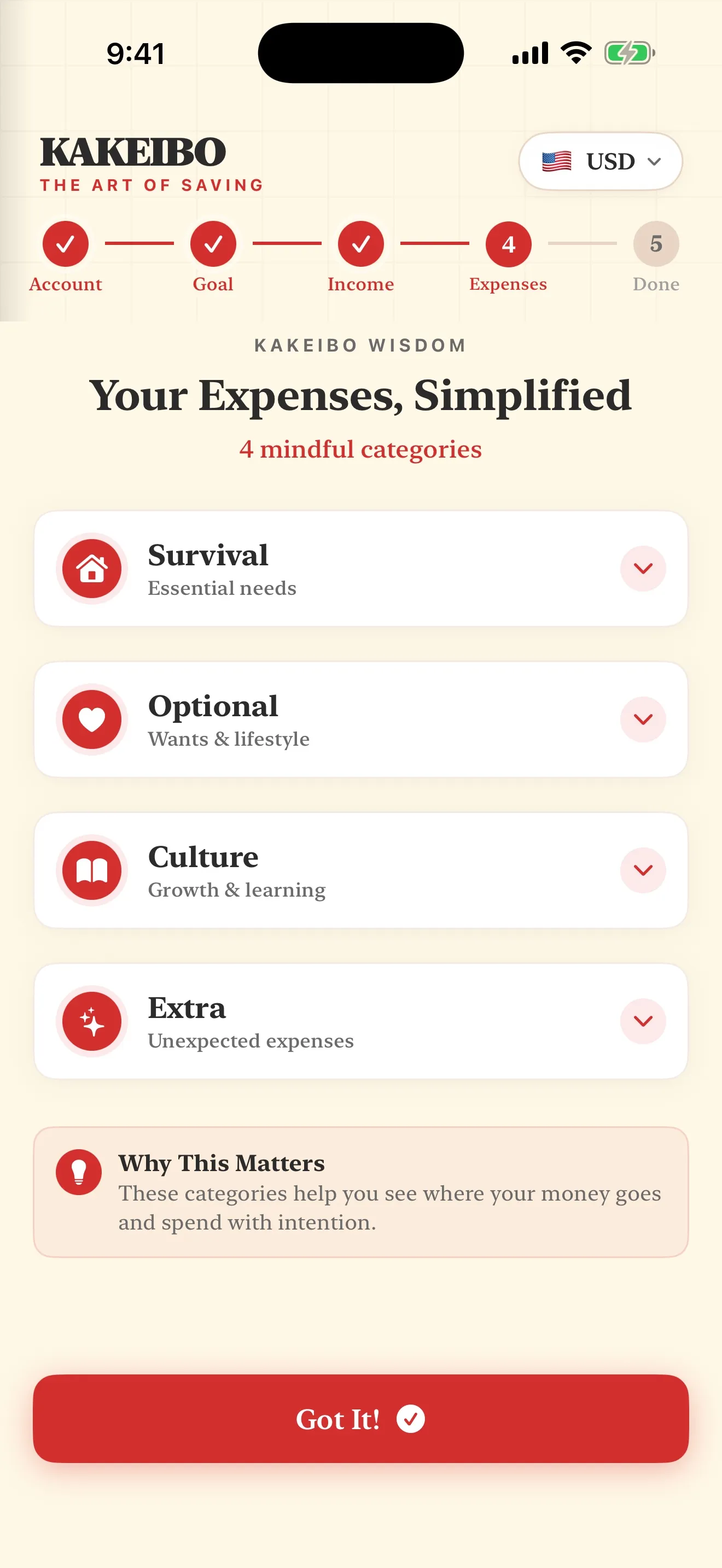

A budget book, or a printable budget page, works when it does four things in order: states your income first, gives you honest categories to decide spending into before you spend it, gives you a place to record what actually happened, and ends with a short review. Most free printables nail the middle two and skip the review, which is really the whole point of keeping one.
Why the categories matter more than the layout
The usual split you see on free templates is needs, wants and savings, and it falls apart the moment you try to sort a real receipt into it. A streaming subscription, a taxi home, a birthday present: any of those can be argued into any of the three categories, so the category stops deciding anything.
A better set asks a different question for each one, instead of the same question three times:
- Survival: what has to be paid regardless of how the month goes
- Optional: what could be cut this week without consequence
- Culture: what you’d genuinely regret losing even though nothing breaks if you don’t buy it
- Extra: spending that happens once rather than monthly, a repair, a gift, a renewal
Making it survive a real week
A paper page has one weakness a phone doesn’t: it’s rarely in your hand at the point of sale. Fix that by picking one fixed capture point before the month starts, a phone note, a receipt pocket, a sticky note on the fridge, and emptying it onto the page at the same time every day or every other day. The page only needs filling in once a day, not once a purchase.
Where the page lives matters as much as what’s printed on it. A page in a drawer gets opened when remembered, which is rarely. A page clipped somewhere you already visit daily, next to the kettle, inside the mail folder, survives because looking at it stops requiring a decision.
At the end of each week, total what actually happened in each category and write it next to what you expected. The gap between the guess and the actual isn’t a failure, it’s the information the page exists to produce.
Where paper genuinely falls short
- It doesn’t total itself, so an arithmetic slip in week two compounds quietly until the monthly review catches it, if the review happens
- It can’t remind you, so a week with nothing written down produces nothing to review rather than a nudge
- It’s one physical object, so a lost page is a lost month
None of these are reasons to avoid paper. A weekly check catches the arithmetic before it compounds, a fixed location solves the reminder problem, and a quick photo of each finished page solves the lost page problem.
A workable setup
- Print or rule one page per month: income and the savings line at the top, then the four categories with an amount intended in each
- Pick one fixed capture point for spending on the move
- Give the page a fixed home somewhere you already visit daily
- Total each category weekly and write the gap against what you expected
- Photograph the finished page before the month ends
- At month end, review the totals against what you actually spent
None of this depends on how the page looks. It depends on the categories meaning something, the page having a fixed home, and a habit of writing on it that survives a busy week.