
Neither one keeps you honest by itself. The tool is not the method: what matters is whether you’re writing down money close to the moment it moves, and an app or a notebook can both do that or both fail at it.
Here’s the real difference between them, and it’s not accuracy, it’s what each one hides from you.
What an app hides
An app will auto-categorize a purchase before you’ve thought about why you made it. It turns “I bought coffee” into a line in the “dining” category and moves on. You get speed, but you lose the half-second of friction where you’d normally ask yourself whether that spend was keeping the household running, was a nice extra, was money spent on something that actually improved your life, or was an irregular cost you should have planned for. That friction is the whole point of a ledger. An app that categorizes for you can quietly remove it.
What paper hides
Paper has the opposite problem. It’s slow enough to force reflection, but it’s easy to let three days pass and then try to reconstruct what you spent from memory. By the time you write it down, you’ve smoothed over the details, maybe rounded numbers, maybe forgotten a small cash purchase entirely. Paper only works if you treat “write it down now” as non-negotiable.
What stays the same either way
The structure underneath should not change based on your tool:
- Write your income at the top of the month, in your own number.
- Decide what you’re setting aside to save, and move it out before you plan any spending. This comes first, not last.
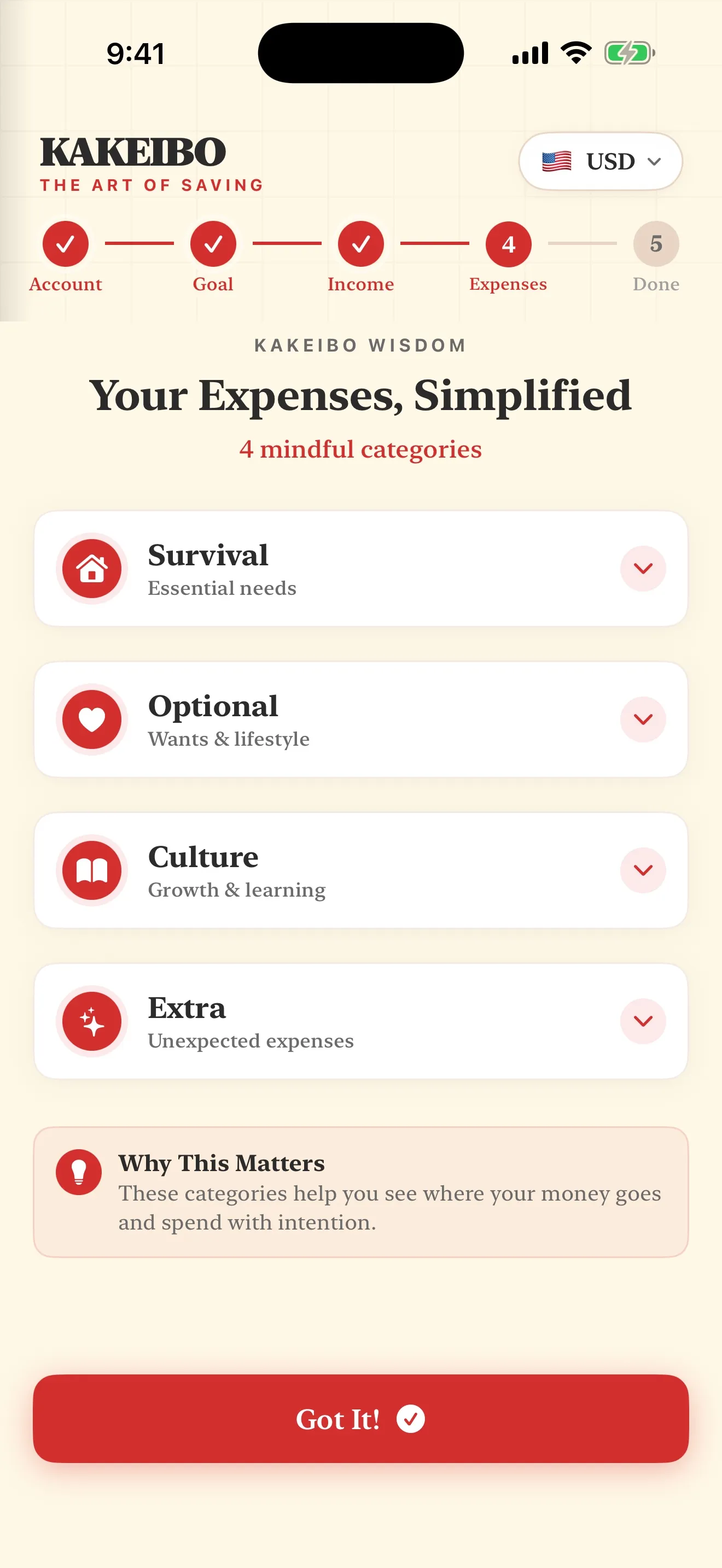
- Split what’s left into four groups: Survival (keeping the household running), Optional (enjoyable, and you could stop it if you needed to), Culture (money that leaves you better off than before you spent it), and Extra (irregular or unexpected costs, funded from the months when you don’t need it).
- Log spending as close to the moment it happens as you can manage, in either format.
- At the end of the month, answer four questions in writing: how much did I have, how much did I want to save, how much did I actually spend, and what would I do differently next month.
That last step is the one most apps skip and most paper ledgers skip too, because it requires sitting down and writing sentences, not just numbers. It’s also the step that actually changes behavior over time. A spreadsheet or app can hold your categories and do the arithmetic for you, which is genuinely useful if you’re prone to math errors or hate addition. A notebook forces the pause that categorizing software tends to erase.
So the honest answer: use whichever format you’ll actually keep open every day, but don’t let the tool make the four decisions for you. The envelopes, the savings-first order, and the monthly reflection are yours to do by hand regardless of what’s holding the numbers.